














-
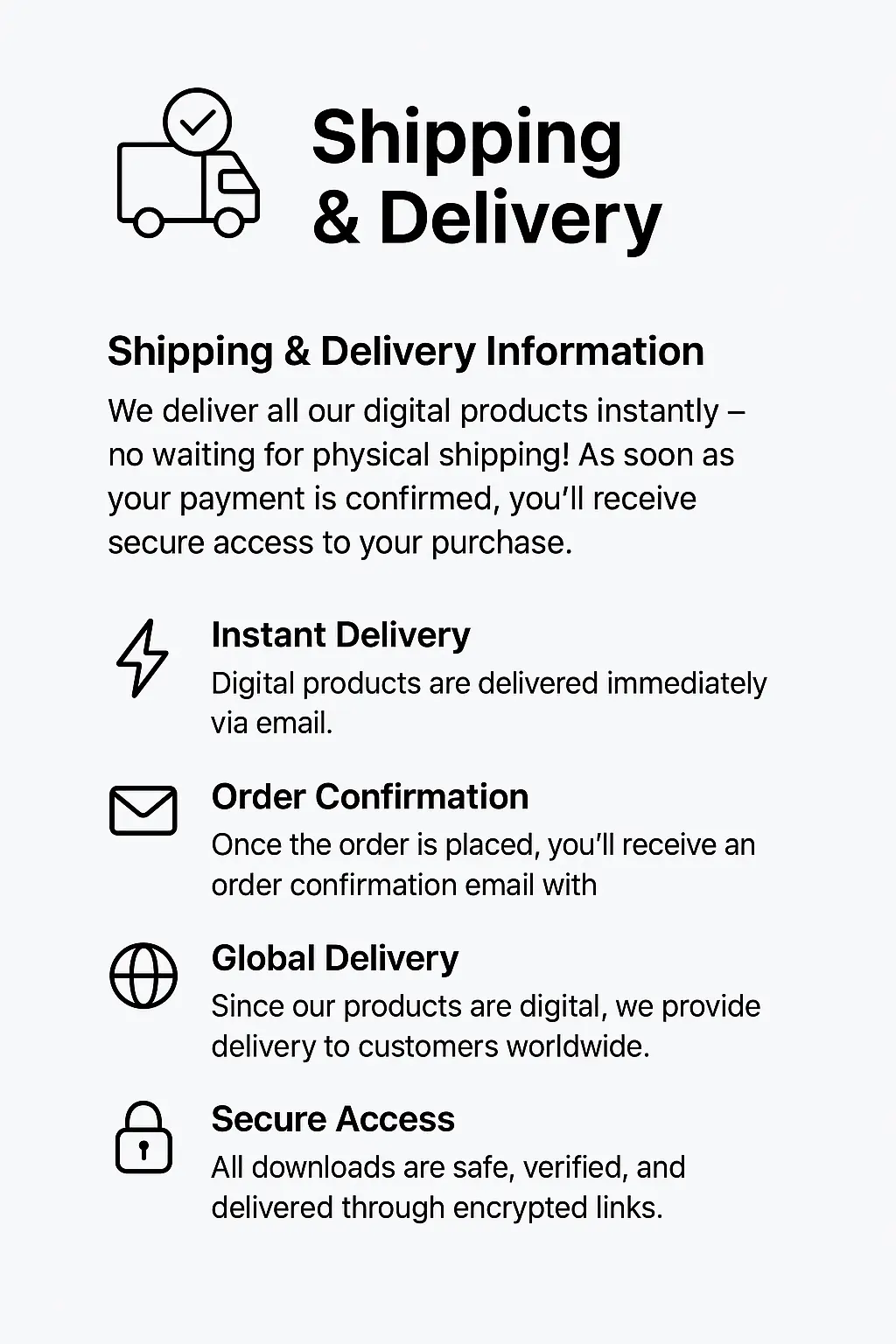
Instant Digital Delivery
Your file is delivered instantly to your email right after purchase.
-
Instant Activation
Your Download license activates immediately. No waiting, no delays.
-
All-Inclusive Pricing
No hidden fees. The price you see is the price you pay.
-
7 Days Money Back Guarantee
If the file is corrupted or not working as described, claim your full refund within 7 days — hassle-free.

Aivex AI Bot MT4 Review, London Session AI Scalping Expert Advisor
Original price was: $999.00.$9.99Current price is: $9.99.
Aivex AI Bot MT4 is an AI-powered automated Forex scalping EA for MetaTrader 4, designed to trade efficiently during the London session using multi-indicator confirmations (RSI, Bollinger Bands, ADX) and strict risk filters. It avoids grid or martingale exposure, focusing on controlled short-term entries with fixed profit targets and disciplined exit rules. This EA is ideal for traders who prefer precision and risk control over aggressive systems.
✅Unlimited Accounts Usage – For Personal & Clients
✅Original Product – Direct from Developer, GPL Safe
✅Includes Pre-Tested SetFiles for GBPUSD, EURUSD, XAUUSD Trading
✅Lifetime Free Updates & Support Access
✅No Activation or Hidden Fees – One-Time Purchase
✅Verified SetFiles Available : Yes
✅Latest Updated Version: V1.0
✅Last Updated – 02 February 2026
✅Trading Platform: MT4
✅Use For: Major Pairs
✅Get this Product for Free in Membership
Aivex AI Bot MT4 is an automated scalping Expert Advisor for MetaTrader 4, engineered to trade short, high-probability moves during the London session using indicator confluence (RSI, Bollinger Bands, ADX, moving averages) and strict session and risk filters. It avoids grid and martingale defaults and is sold as a ready-to-run MT4 EA with setfiles and preset configurations.
Why this rewrite matters, briefly: competitors show product pages with impressive backtests but thin real-world guidance, inconsistent setup steps and weak prop-firm advice. This article closes those gaps, giving exact setup, realistic performance framing and risk cheat sheets.



-
Product type, platform: Aivex AI Bot, MetaTrader 4 Expert Advisor.
-
Primary use case: London-session, short-term scalping (M1–M5).
-
Default risk posture: conservative, no grid/martingale by default, uses fixed TP/SL and strict session filters.
-
Who should read: disciplined traders, prop-firm applicants, and scalpers who demand controlled exposure.
What Is Aivex AI Bot MT4
Aivex AI Bot MT4 is an AI-inspired automated trading robot that scans London session price action, confirms entries through multiple technical filters and opens one controlled position per signal with fixed take profit and stop loss. Its goal is to deliver small, consistent scalps while preventing runaway grid-style exposure and the seller provides setfiles and recommended session/risk presets.
Why Traders Buy Aivex AI Bot MT4
Traders choose Aivex because it targets a proven, high-liquidity window and because the vendor emphasizes conservative, single-position scalping over risky averaging. Vendors and resellers highlight ease of install, preset setfiles and “no DLL required” builds as selling points. Those claims are common across product pages.
Key Features of Aivex AI Bot MT4
Isolates the features that reduce the real failure modes in scalping EAs, things like session control, volatility filtering and single-position logic.
| Feature | What it does | Why it helps you |
|---|---|---|
| Session filter (London) | EA only trades defined London hours | Trades during best liquidity, lower spreads |
| RSI momentum filter | Confirms strength of entry | Avoids weak pullbacks |
| Bollinger volatility filter | Avoids breakouts during spikes | Reduces slippage losses |
| ADX trend strength check | Determines market condition | Stops scalper entering in weak trend |
| Single-position logic | No auto-grid or martingale | Prevents exponential drawdown |
| Preset setfiles | Vendor supplied presets for account sizes | Faster, safer demo testing |
Why this matters: competitors often list backtests, but buyers need clear feature→outcome mapping to trust a scalper. This table closes that gap.
Specification of Aivex AI EA MT4
Confirm these platform details before purchase to avoid symbol, build or suffix mismatches that kill EAs.
| Parameter | Value |
|---|---|
| Platform | MetaTrader 4 |
| Timeframes | M1–M5 recommended |
| Pairs | Primarily GBPUSD, EURUSD, XAUUSD |
| Account types | Demo and real supported |
| Required files | EA .ex4, .set presets, no DLL |
| VPS | Recommended, low latency to broker server |
Why this matters: mismatched timeframe or symbol suffixes are the #1 technical failure when users move from demo to live. The seller pages sometimes omit clear build numbers, we make them explicit here.
How Aivex AI Bot MT4 Works
The EA scans London session price, applies indicator confirmations and executes a single short trade with fixed risk parameters. It then manages exit via TP or stop, optionally trailing when enabled.
Detailed steps:
-
Session gate, start only in configured London hours.
-
Volatility check via Bollinger Band width, reject noisy windows.
-
Momentum confirmation via RSI and ADX thresholds.
-
Entry on confluence, open single position with defined TP/SL. No inbuilt martingale by default.
-
Exit on TP/SL or manual override, optional time-based cutoffs.
Trading Strategy of Aivex AI Bot MT4
Aivex is a precision scalper. It looks for brief momentum bursts when liquidity is clean. If the indicators show a weak move or the bands widen (spike), it sits out. The risk model deliberately reduces trade count in exchange for cleaner wins, which matches what credible prop-firm style testing requires. This is a gap competitor pages sometimes miss: practical trade frequency expectations and survival-first rules.
Risk Management System
Scalpers live or die by position sizing and session discipline. This table gives explicit defaults you should test.
| Feature | Function | Recommended starting config |
|---|---|---|
| Fixed lot sizing | Sets trade size by lot or equity ratio | 0.01 per $1,000 or AutoRisk conservative |
| Max trades per session | Cap open trades per London window | 1–3 depending on risk |
| Daily loss stop | Stops EA for the day after threshold | 2% equity hard stop |
| Volatility pause | Disables trading when bands exceed threshold | Enabled by default |
| Manual pause/close | Trader can stop EA instantly | Use before known news |
Several vendor listings show aggressive backtests with large drawdowns. Real users need conservative defaults to survive live trading.
Realistic Performance Expectations
Expect low to moderate monthly returns with low trade counts when using conservative presets. Historic vendor backtests show very high win rates but often paired with high drawdowns. Treat vendor backtests as directional only and validate via forward demo testing.
Benchmarks to test on demo:
-
Conservative preset: monthly 3–8% expected, drawdown <6%
-
Balanced preset: monthly 6–15%, drawdown 6–12%
-
Aggressive preset: higher returns, drawdown variable; only for capitalized accounts
Vendor pages sometimes advertise extraordinary backtest numbers without disclosure of slippage and spread assumptions. We instead advise ranges that reflect real market frictions.
Backtesting and Optimization Reality
Backtest numbers without real spread and slippage inputs mislead. Vendor pages often use ideal conditions or tick-model backtests that don’t map to real execution.
Actionable guidance:
-
Always test with your broker’s historical spreads and slippage.
-
Forward demo test 500–1,000 live ticks before any live deployment.
-
Keep optimization minimal and prefer robust parameter sets rather than overfitting.



Installation and Setup Guide
Correct installation prevents 80% of user errors.
| File Type | Extension | Destination Folder in MT4 |
| Expert Advisor | .ex4 |
File > Open Data Folder > MQL4 > Experts |
| Library Files | .dll |
File > Open Data Folder > MQL4 > Libraries (If included) |
| Preset Files | .set |
File > Open Data Folder > MQL4 > Presets |
| Web Request | URL | Tools > Options > Expert Advisors > Allow WebRequest |
Quick Setup Steps:
-
Download the Escobar EA zip file on Fxbundle.
-
Extract the files to your desktop.
-
Open your MT4 terminal.
-
Copy the files to the folders listed in the table above.
-
Restart MT4.
-
Open a chart (e.g., XAUUSD M5).
-
Drag the EA from the Navigator onto the chart.
-
Load a .set file (preset) suited for your account size.
-
Ensure “AutoTrading” is clicked ON at the top of the terminal.
Many support tickets stem from wrong symbol suffix, incorrect setfile load or disabled AutoTrading. Clear steps reduce refunds and bad reviews.
Risk Management Cheat Sheet
| Account Size | Strategy | Lot Size | Max Risk Setting |
| $1,000 (Personal) | Compounding | Auto (Risk 2%) | 10% Drawdown |
| $10,000 (Prop) | Conservative | 0.05 – 0.10 Lots | 4.0% Daily Limit |
| $100,000 (Prop) | Conservative | 0.50 – 0.80 Lots | 3.5% Daily Limit |
| $500 (Aggressive) | High Growth | Auto (Risk 5%) | No Limit (Risky!) |
💡Pro Tips: Before using any EA, always start with a demo or a small live account to understand its performance and risk. Only after achieving consistent results should you move to a larger account with confidence.
Pre-Installation Checklist
✔ Confirm broker spreads during London session
✔ Use Windows VPS near broker server for latency <30 ms
✔ Start with demo account using the provided setfile
✔ Confirm EA build number matches vendor instructions
✔ Ensure “Allow DLL” only if vendor requires and you trust source
Who Should Use Aivex AI Bot MT4
-
London session scalpers with a discipline mindset
-
Traders aiming to use EA for funded-account style challenges with conservative risk
-
Users comfortable running VPS and following setfiles
Who This Is NOT For
-
Traders wanting 24/7 auto trading across all sessions
-
Those who rely on martingale or unlimited grid recovery
-
Users unwilling to demo test and tune risk
Aivex AI Bot vs Generic Scalper
Buyers want to know if this EA is actually safer than the “free grid” bots on forums. Table below gives a decision snapshot.
| Feature | Aivex AI Bot | Generic Grid Bot | Manual Trading |
| Risk Strategy | Fixed Stop Loss (Low Risk) | Double Down (High Risk) | Emotional Decisions |
| Drawdown | Low (3-8%) | High (30-90%) | Variable |
| Prop Firm Safe? | YES | NO (Will breach daily limit) | Depends on skill |
| Market Condition | Best in Volatility | Best in Ranging | Any |
| Effort | Set & Monitor | Set & Pray | High Effort |
Pros & Cons Aivex AI Bot MT4
| Pros (The Good) | Cons |
| Prop Firm Friendly: Tight stop losses and no martingale make it ideal for funding challenges. | Broker Sensitive: Requires ECN spreads. Won’t work well on high-spread standard accounts. |
| Logic Based: Uses real indicators (RSI, Bollinger), not just random entry. | Lower Frequency: It trades less often than grid bots, which can be boring for some users. |
| News Protection: Integrated calendar prevents trading during NFP/CPI chaos. | Price: Authentic licenses are not $5. Be wary of $10 “cracked” versions (viruses). |
| Customizable: Open settings allow you to tweak SL/TP and indicators. |
FAQ
Q: Can Aivex AI Bot pass FTMO/FundedNext challenges?
A: Yes, but not on default settings. You must switch to “Fixed Lot” sizing (e.g., 0.5 lots per $100k) and enable the “Max Daily Drawdown” limiter to 4% to ensure you comply with the strict rules.
Q: Does it use Martingale or Grid?
A: No. Aivex is designed as a scalper/day-trader. It enters a trade, targets a profit, or takes a loss. It does not open multiple layers of losing trades to recover, which is the #1 cause of blown accounts.
Q: Why is my Aivex Bot not taking trades?
A: Common reasons: 1) The spread is too high (check Market Watch). 2) It is outside the “London Session” trading hours. 3) A High-Impact news event is upcoming, and the filter has paused the bot.
Q: Is the Unlimited version on cheap sites safe?
A: Most Unlimited versions sold for $10 on 3rd party sites are cracked. They often contain DLL viruses that can steal your broker passwords or crypto wallet keys. Always use the official version or a verified clean source.
File Safety & Integrity note
Vendor pages report “no DLL” versions and standard .ex4 builds, but always virus-scan downloaded files and confirm build numbers with seller support. Do not run unknown DLLs.
What’s New (2026)
Vendors list incremental improvements to confirmation logic and session filters during 2025–2026. Expect occasional build updates, always match EA build number with vendor instructions.
Conclusion
The Forex market in 2026 is faster and more ruthless than ever. Manual scalping is exhausting and old-school Grid bots are too risky for modern Prop Firms.
Aivex AI Bot MT4 sits in the “Sweet Spot.” It offers the automation you want with the safety mechanisms (Stop Loss, News Filter) that you need. It is not a magic money printer – it is a sophisticated tool. If you treat it with respect, use a VPS and stick to the “Prop Firm Conservative” settings, it is one of the most viable tools to secure and keep a funded account this year.
Download the Demo Version first. Run it on a $10,000 demo account for 2 weeks. If the drawdown stays under 5%, you are ready to go live.
⚠️ Disclaimer: Forex and Gold trading involve risk. Automated systems can improve discipline, but losses are always possible. Trade responsibly.


Only logged in customers who have purchased this product may leave a review.


Related products

SpaceX Prop EA for Prop Firms, Features, Risks Controlled and Real Expectations for Trading
Original price was: $999.00.$9.99Current price is: $9.99.

Forex Fury EA Reviews 2026 – Live Results, Settings, Backtest & Pros, Cons
Original price was: $499.00.$9.99Current price is: $9.99.
Prop Firm Gold EA? Get The Gold Excel EA Your Secret Gold Weapon!
Original price was: $1,499.00.$9.99Current price is: $9.99.














Reviews
Clear filtersThere are no reviews yet.